Hopefully this post can be found by someone trying to answer the same questions I was, and maybe save some time.
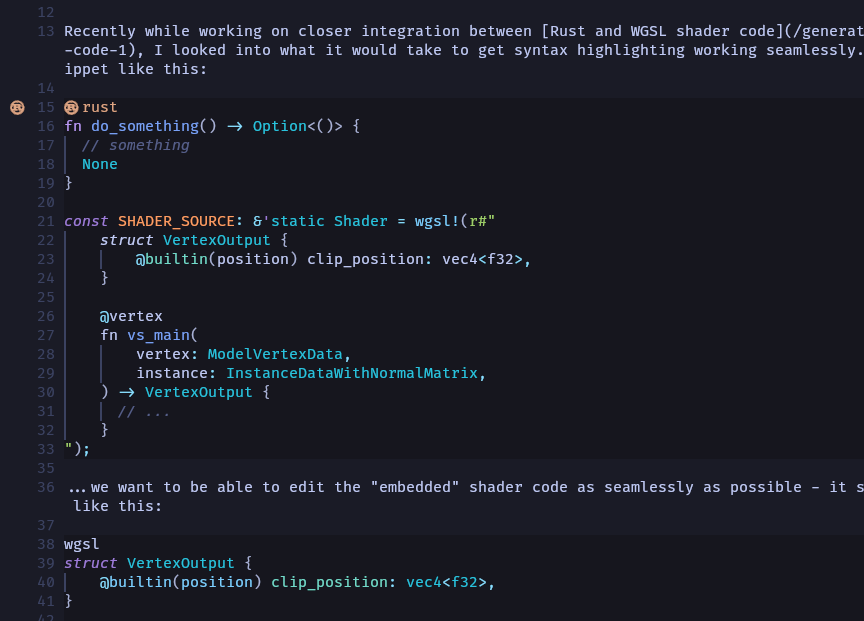
Recently while working on closer integration between Rust and WGSL shader code, I looked into what it would take to get syntax highlighting working seamlessly. With a snippet like this:
fn do_something() -> Option<()> {
  // something
  None
}

const SHADER_SOURCE: &'static Shader = wgsl!(r#"
    struct VertexOutput {
        @builtin(position) clip_position: vec4<f32>,
    }

    @vertex
    fn vs_main(
        vertex: ModelVertexData,
        instance: InstanceDataWithNormalMatrix,
    ) -> VertexOutput {
      // ...
    }
");
...we want to be able to edit the "embedded" shader code as seamlessly as possible - it should look like this:
struct VertexOutput {
    @builtin(position) clip_position: vec4<f32>,
}

@vertex
fn vs_main(
    vertex: ModelVertexData,
    instance: InstanceDataWithNormalMatrix,
) -> VertexOutput {
  // ...
}
You may have seen this (multiple syntax highlighting languages used in the same file) for things like JSX or HTML with <style> tags. One way to accomplish this in modern editors is with tree-sitter, a parser generator library built-in to Neovim and usable in others like VSCode via extensions. Tree-sitter parses the syntax tree of the code in the document, providing a structure for syntax highlighting rules (and others) to operate on.
In this case we want to query for a macro invocation with a particular name (wgsl), capturing the string literal argument's contents, and marking them as WGSL for the sake of syntax highlighting. Tree-sitter in Neovim exposes a way to add these custom rules, "injections" (:help treesitter-language-injections). There are a number of examples online of setting these up, but I couldn't seem to get the expected results from them and needed to combine details from each:
This Youtube video from TJ DeVries explains the concept well, shows using the tree-sitter playground, and how to operate on Rust - but it's a little outdated now. On my current version of Neovim (v0.11.5), the usage of :TSPlaygroundToggle has been replaced with :InspectTree. I tested a query in the playground and got the results I wanted, but couldn't get it to load from an injection file $NVIM_CONFIG_DIR/after/queries/rust/injections.scm until I added a special comment to the top of the file:
;extends

((macro_invocation
  macro: [
    (scoped_identifier name: (_) @_macro_name)
    (identifier) @_macro_name
  ]
  (#eq? @_macro_name "wgsl")
  (token_tree (raw_string_literal (string_content) @injection.content))
  (#set! injection.language "wgsl"))
)
~/.config/nvim/after/queries/rust/injections.scm
This blog post has a lot of great information, and mentions the special ; extends comment. At this point, I have the intended effect when first editing a file that has the matching syntax! ...until it re-parses and is overwritten for some reason, reverting to being treated as a normal Rust string literal. Many examples show setting a "priority" property for injections which seems like exactly what we need, but I couldn't get it to do anything meaningful - nor could I find many people talking about it.
Finally I stumbled on this Reddit comment on a post describing my exact problem! As mentioned in the parent comment, :Inspect shows two rules matching the node marking it as a string type, which seems to be the issue. The reverting behavior goes away when I add to my Neovim configuration (in this case after/ftplugin/rust.lua):
vim.api.nvim_set_hl(0, '@lsp.type.string.rust', {})
Why? It's unsatisfying, but I don't know at this point. I'm just happy to see the expected result, now no longer fleeting.
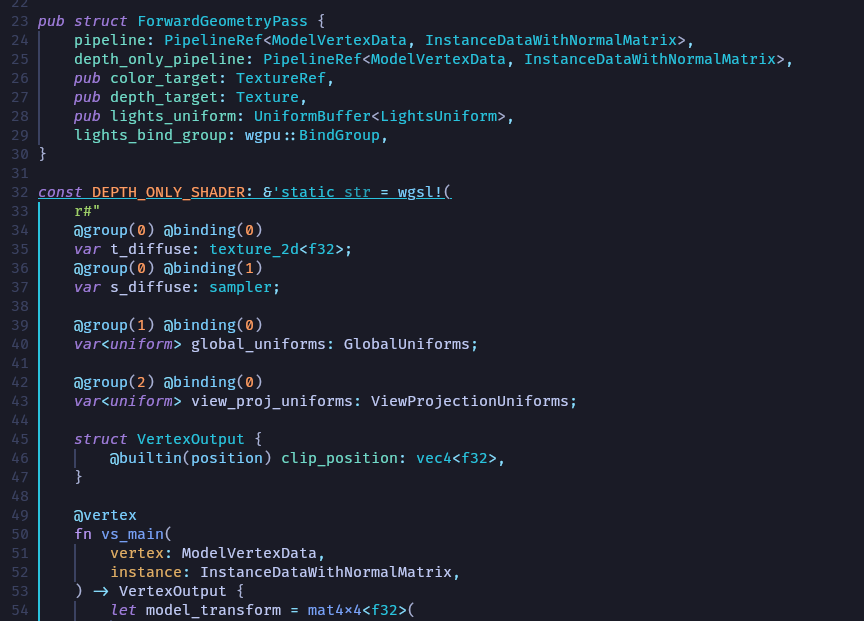
The fruits of our "labor".
As a cool side effect, this behavior also takes effect when highlighting Rust in other contexts - like the Markdown source for this post.